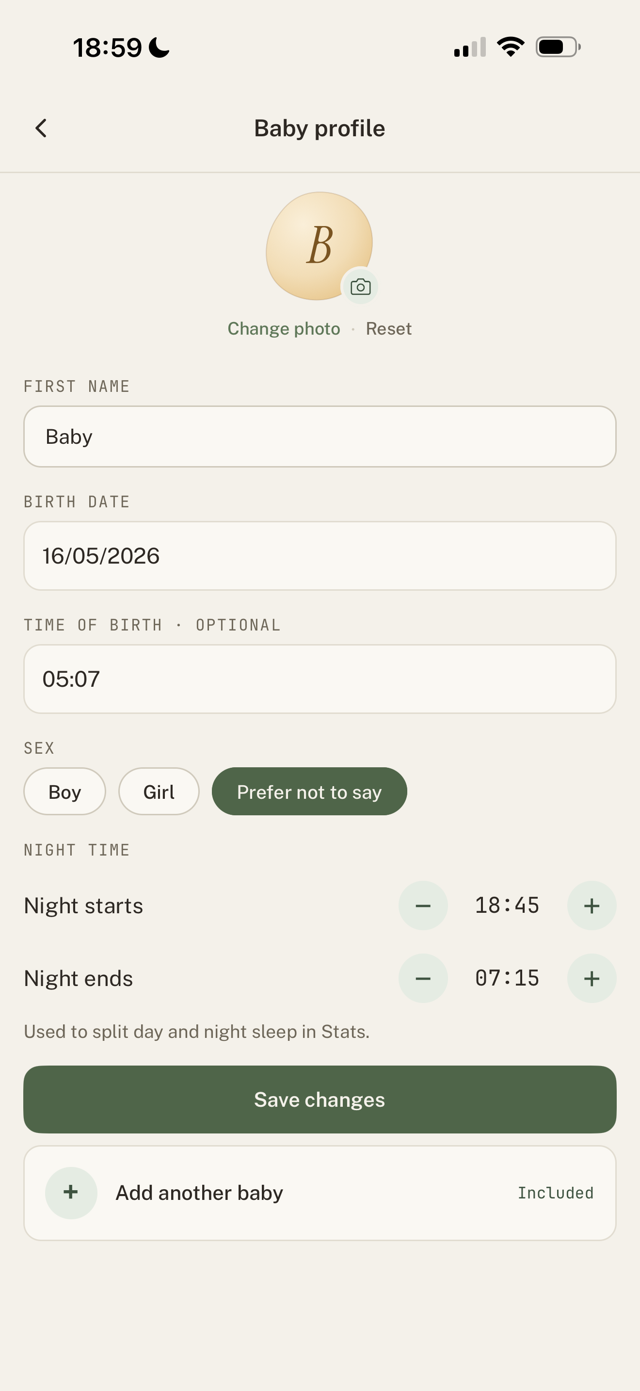
- Open the Baby profile (or your own profile) in Settings.
- Tap the photo circle and pick an image from your library.
- The photo saves when you tap Save.
How the photo is handled
- It's automatically cropped to a centred square, so you don't have to crop it yourself.
- It's resized to 512 by 512 and lightly compressed, which keeps it sharp while staying small.
- Any photo from your library works. There's no special size or format to prepare.
- The photo syncs to your caregivers automatically, so everyone sees the same picture.
Still have a question?
We're a small team and we read everything. Email us and we'll get back to you.