Export
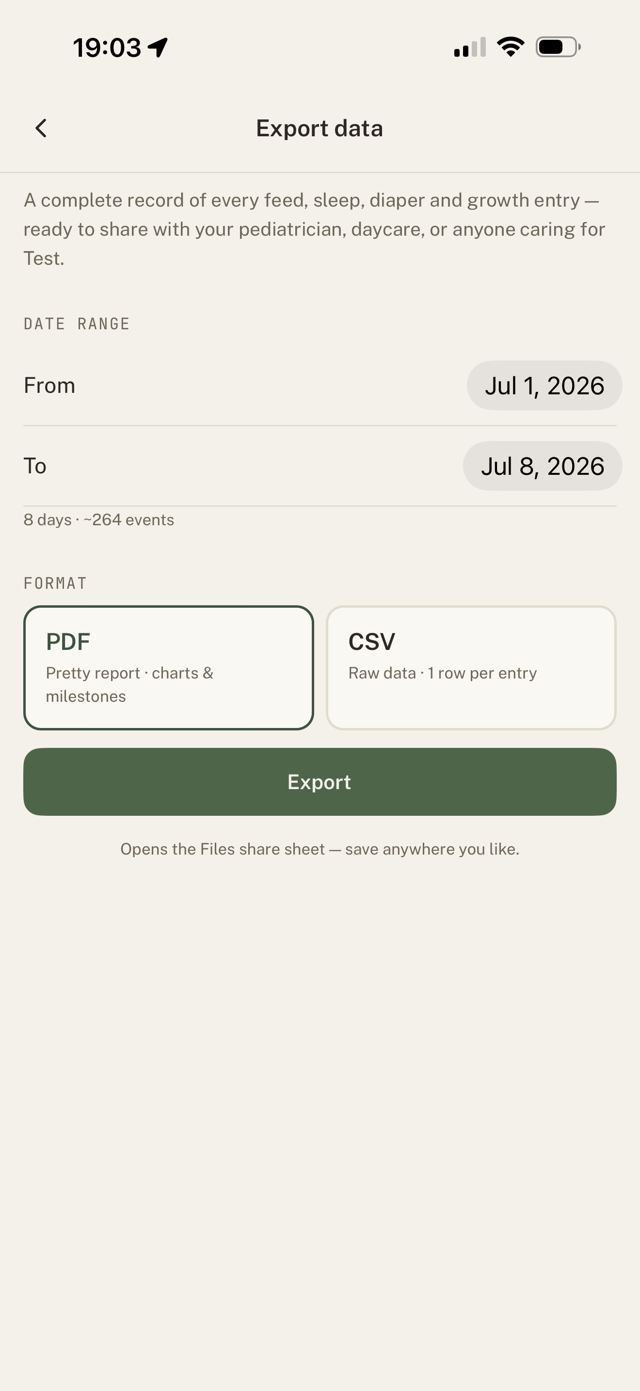
- Go to Settings > Export data.
- Choose PDF (a formatted report) or CSV (raw rows for a spreadsheet).
- The share sheet opens, so you can save it to Files, email it, or send it anywhere.
What's included
Your baby's logged feeds, sleep, diapers, and growth measurements. The PDF is easy to hand to a doctor; the CSV is best if you want to analyse it yourself.
Still have a question?
We're a small team and we read everything. Email us and we'll get back to you.