← Support
Settings
Language
Little Bean speaks 16 languages, including the weekly development content.
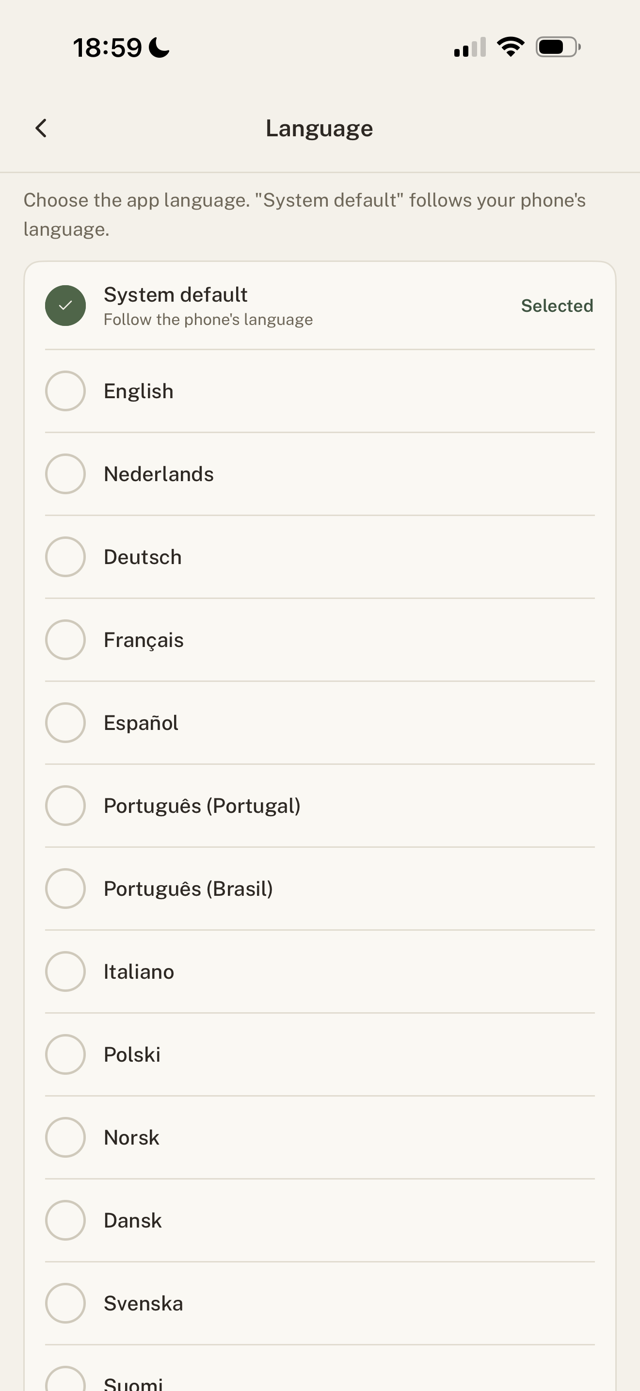
Change the language
- Go to Settings > Language.
- Pick a language, or choose System default to follow your phone.
Good to know
- Per-week development content appears in your language where it is available.
- Don't see your language? Tap Request it and we will note it.
Still have a question?
We're a small team and we read everything. Email us and we'll get back to you.