← Support
Settings
Light & dark mode
Little Bean can match your phone or stay light or dark all the time.
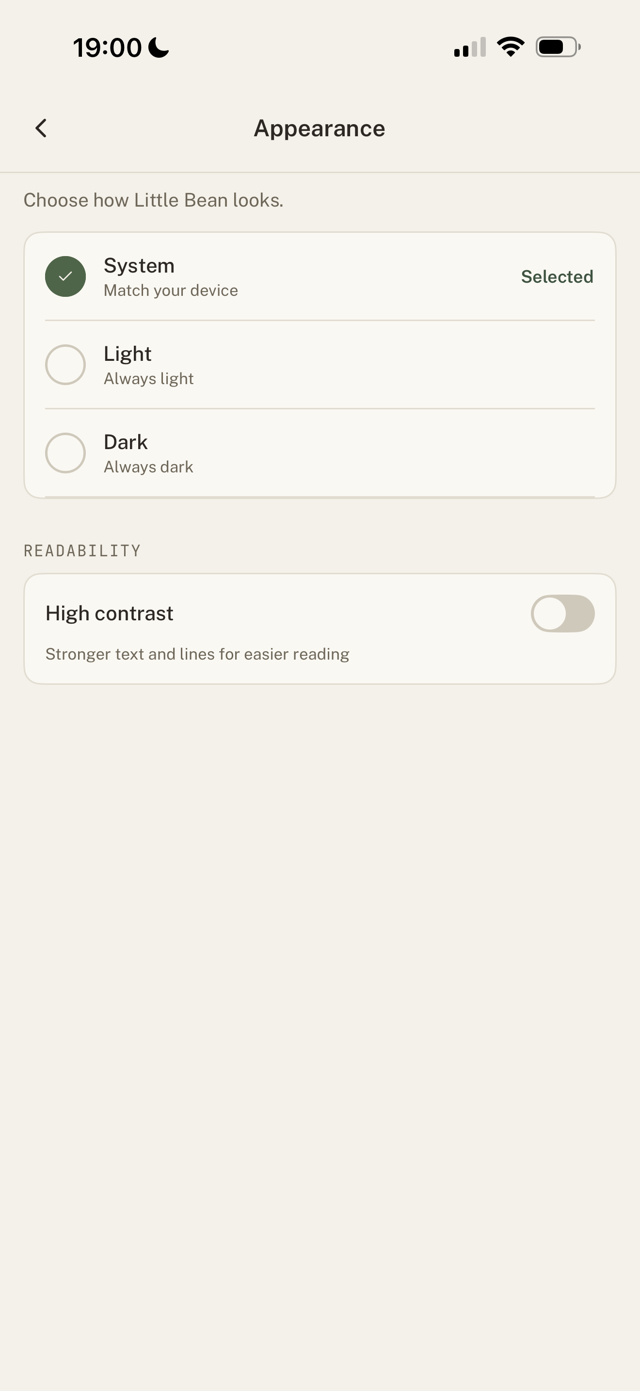
Choose an appearance
- Go to Settings > Appearance.
- Pick System (match your device), Light (always light), or Dark (always dark).
Easier reading
Turn on High contrast for stronger text and lines. Helpful for tired eyes and night feeds.
Still have a question?
We're a small team and we read everything. Email us and we'll get back to you.