← Support
Tracking
Log a feed
Little Bean gives you two ways to log a feed: a live timer for breastfeeding, and a quick entry for bottles, pumping, and solids.
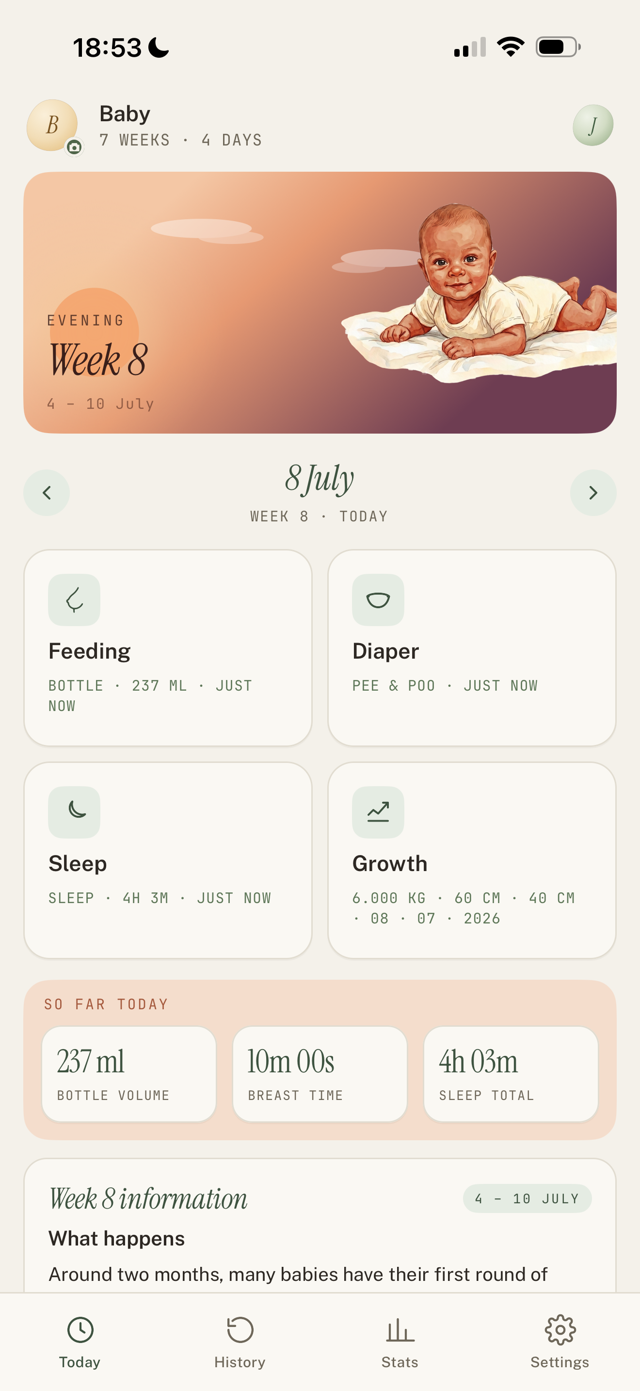
Time a breastfeed (live timer)
- On Today, tap the Feeding card.
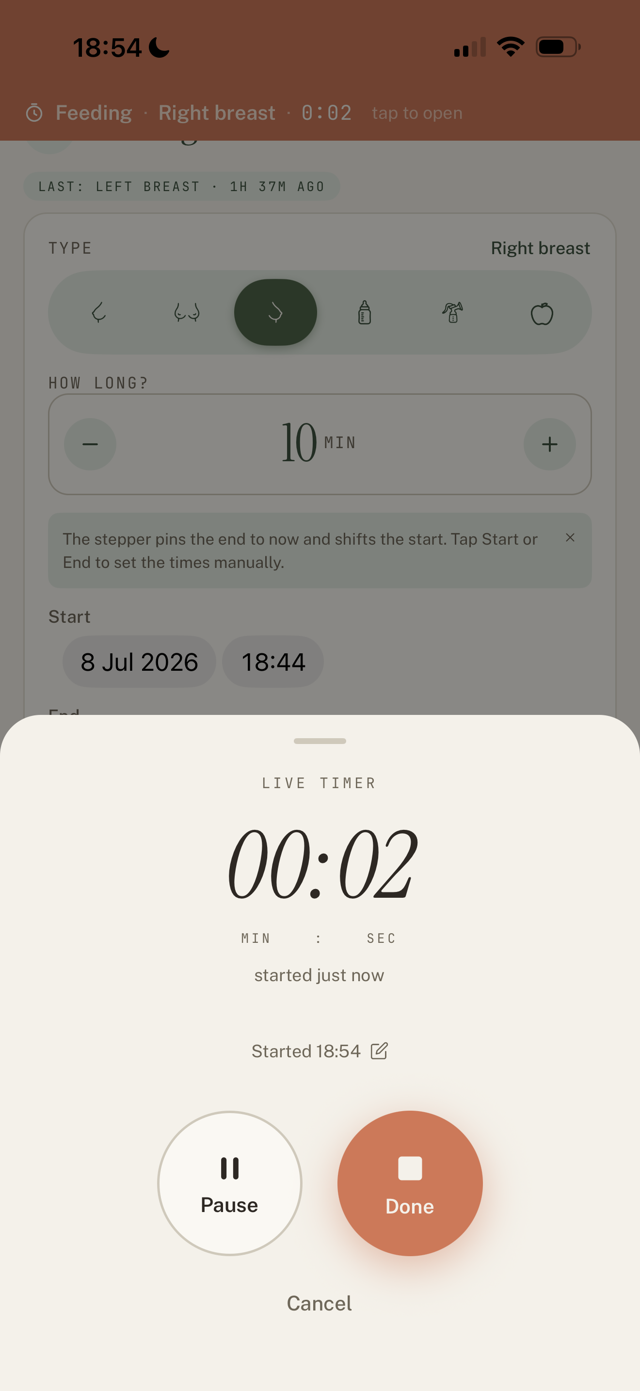
- Pick a type: Left breast, Both breasts, or Right breast.
- Tap Start live timer. It keeps running even if you close the app or lock your phone.
- Forgot to start it on time? Tap the "Started ..." line in the timer and set the real start time. The timer recalculates.
- When the feed ends, tap Done. Little Bean saves the start, end, and duration.
Log a bottle, pump, or solids
- On the Feeding screen, set Type (Bottle, Pump, or Solid food).
- Bottle: choose Content (Breast milk, Formula, Cow's milk, Water, Other) and enter the Volume.
- Pump: choose the Side (Left, Right, Both) and the Amount.
- Solids: set the Food, Amount, and Texture (Purée, Mashed, Soft chunks, Finger food).
- Check the When time (tap to change) and save.
Good to know
- Little Bean remembers your last feed type, so the next one is even faster.
- Logging with one hand is the whole point: most feeds are one or two taps.
Still have a question?
We're a small team and we read everything. Email us and we'll get back to you.