← Support
Tracking
Log sleep
Track a nap or a night with a live timer, or add a sleep you already know the times for.
Time a sleep (live timer)
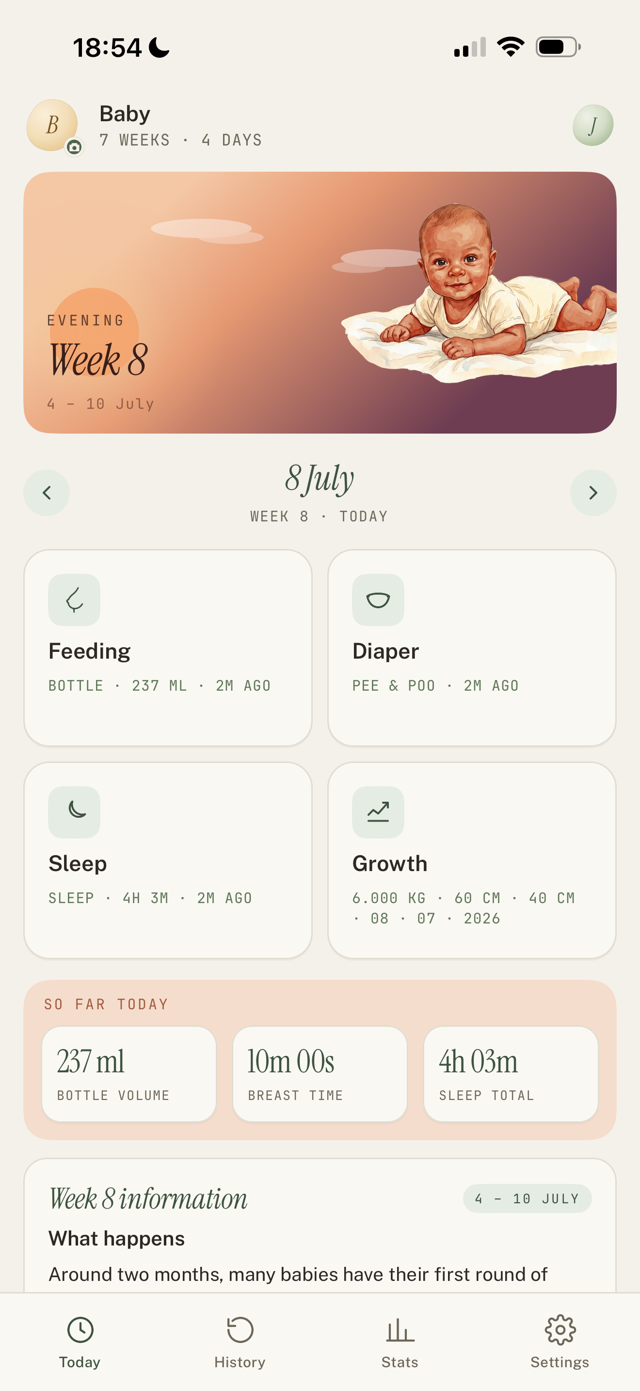
- On Today, tap the Sleep card.
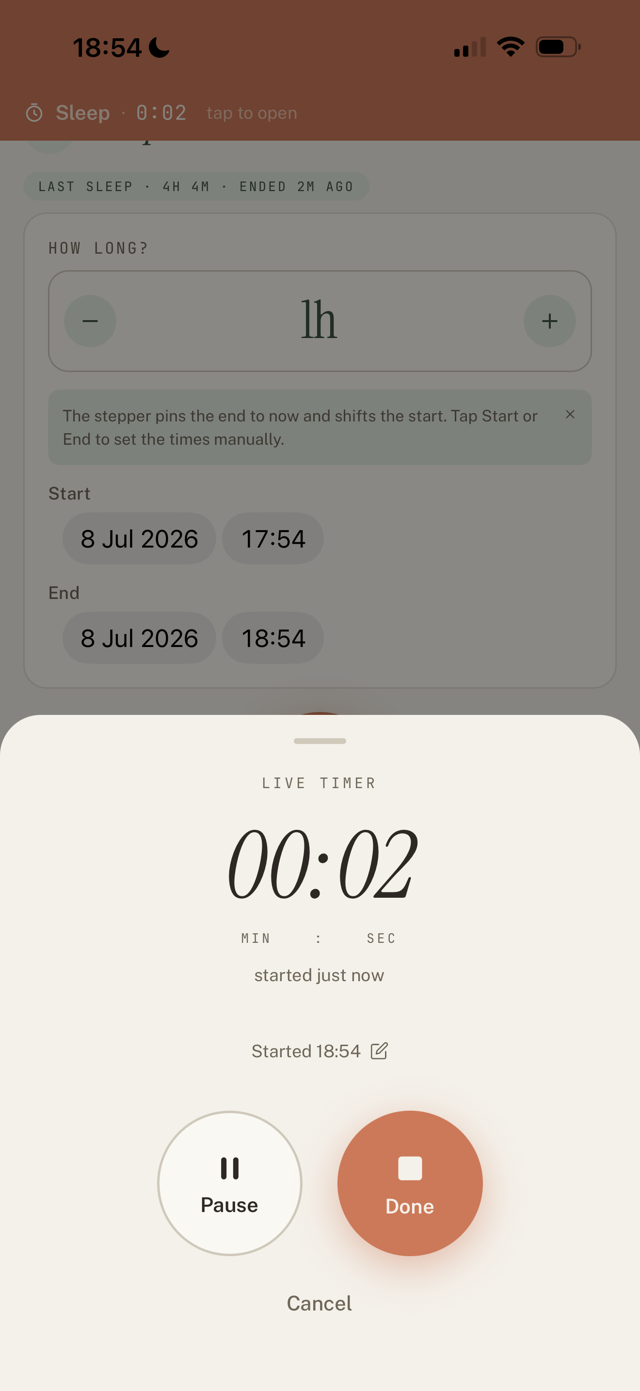
- Tap Start live timer when your baby falls asleep. It keeps running with the app closed or the phone locked.
- Forgot to start it? Tap the "Started ..." line and set the real time. You can change the date too, which matters for naps or nights that cross midnight.
- If your baby stirs briefly, tap Pause, then Resume so it stays one sleep instead of two.
- Tap Done when they wake. Little Bean saves the sleep and works out the awake windows for you.
Add a sleep manually
- On the Sleep screen, use the How long? stepper, or
- Tap Start and End to set the exact times.
- Save.
Good to know
- Sleep timers are shared with your caregivers. If a co-parent started it, you can take it over or end it, and it still logs as one sleep.
Still have a question?
We're a small team and we read everything. Email us and we'll get back to you.