← Support
Subscription & billing
Manage or cancel your subscription
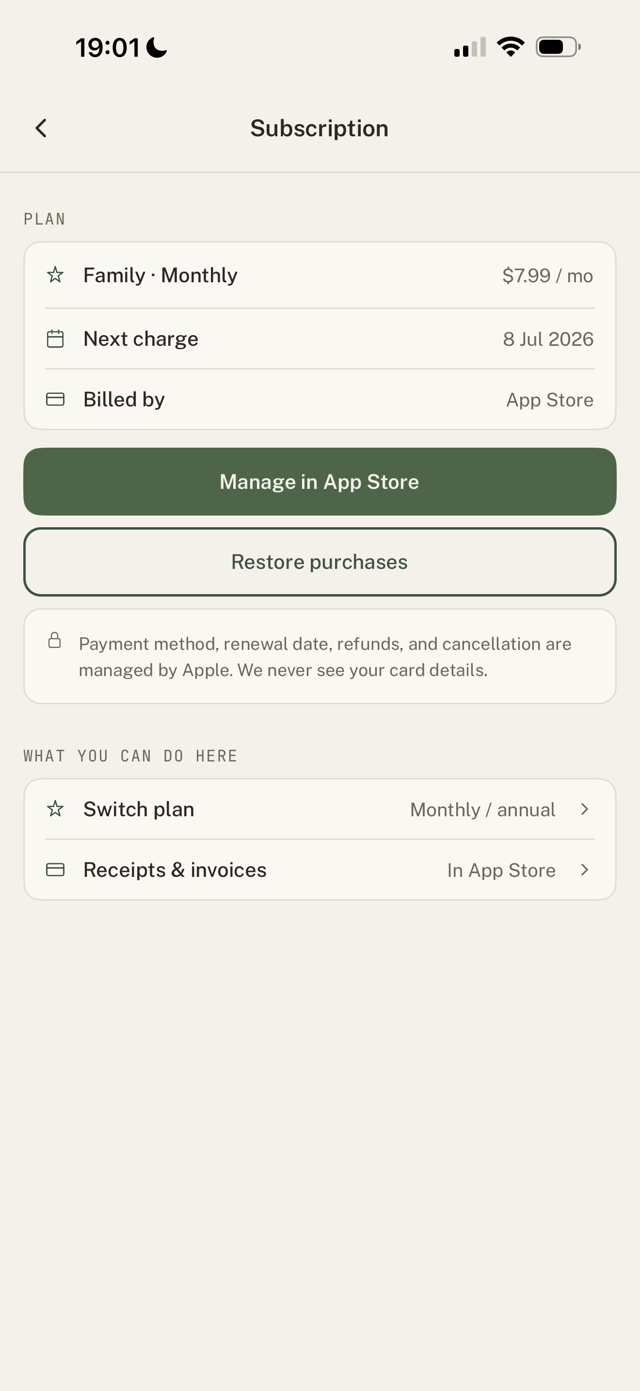
Your subscription is billed by Apple or Google, so changes and cancellations happen in their settings.
Manage or cancel
- Go to Settings > Subscription.
- Tap Manage subscription. This opens your App Store or Google Play subscription settings.
- From there you can switch plans or cancel.
Good to know
- If you cancel, you keep access until the end of the period you've already paid for.
- Upgrading from Standard to Family can be done in-app; the store handles the prorated difference.
- Only the account owner manages billing.
Still have a question?
We're a small team and we read everything. Email us and we'll get back to you.