← Support
Subscription & billing
Using a promo code
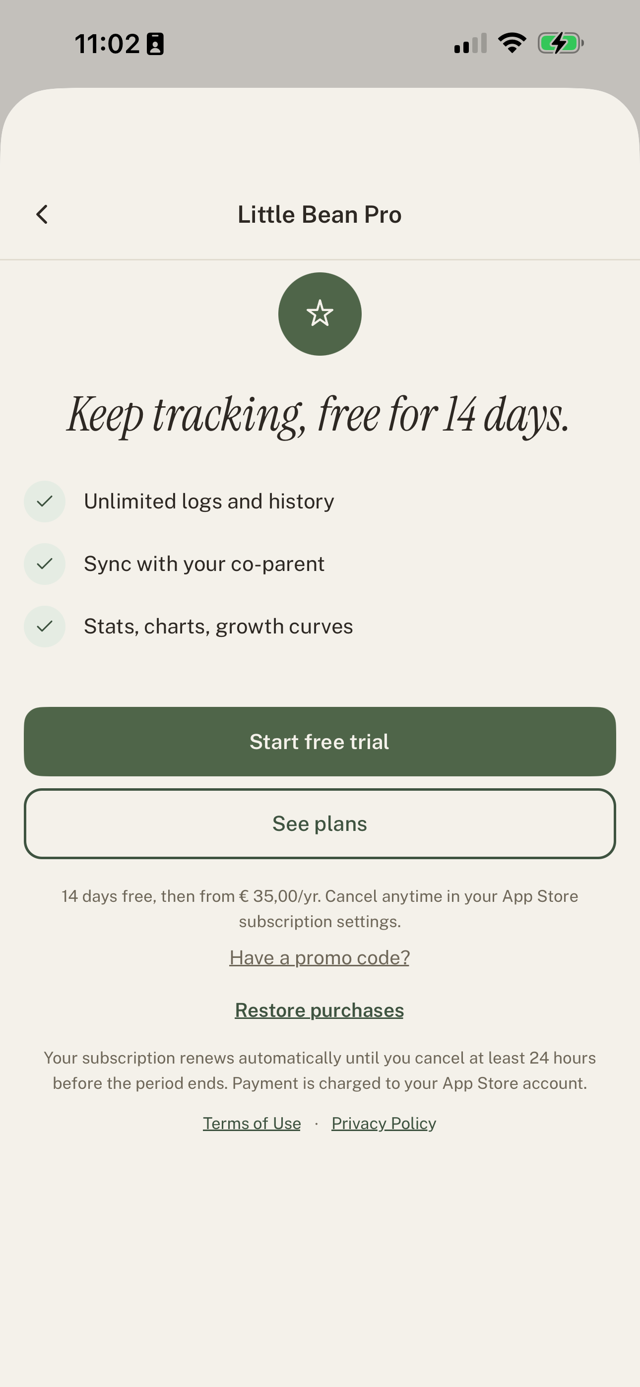
Have a promo code, for example from a kraamzorg partner? You enter it in the app, not at sign-up.
Redeem a code
- Create your account as normal.
- On the paywall, tap Have a promo code?
- Enter the code and apply it. Your free access starts right away and shows as Promo in Settings.
Good to know
- Promo codes are for new and trial users. If you already have a paid subscription, the code won't apply.
- There's nothing to cancel during a promo and you're never charged. When it ends, you can subscribe to keep going.
- This is different from Refer a friend, which uses a link, not a code.
Still have a question?
We're a small team and we read everything. Email us and we'll get back to you.