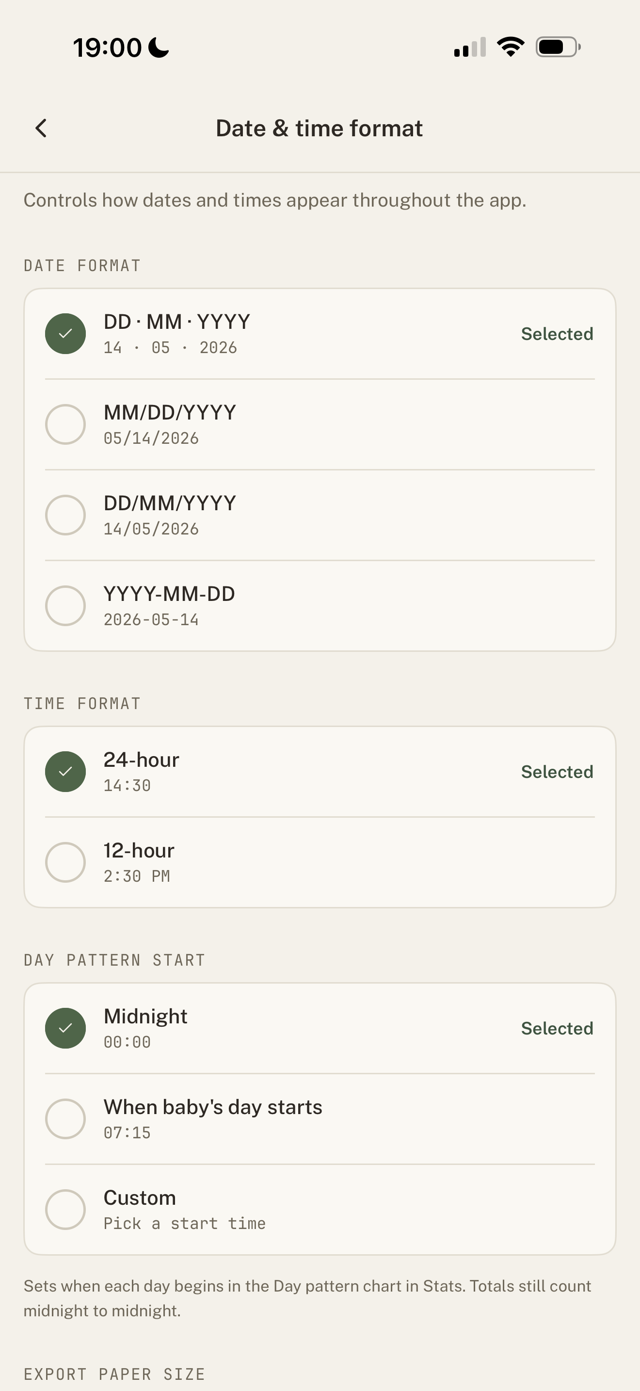
Set your format
- Go to Settings > Date & time format.
- Choose 12-hour or 24-hour time.
- Choose your preferred date format.
Changes apply everywhere instantly: trackers, History, and Stats.
Related: units
Weights, lengths, and bottle amounts follow Settings > Units (metric or imperial), which is a separate setting.
Still have a question?
We're a small team and we read everything. Email us and we'll get back to you.