← Support
Settings
Units (metric or imperial)
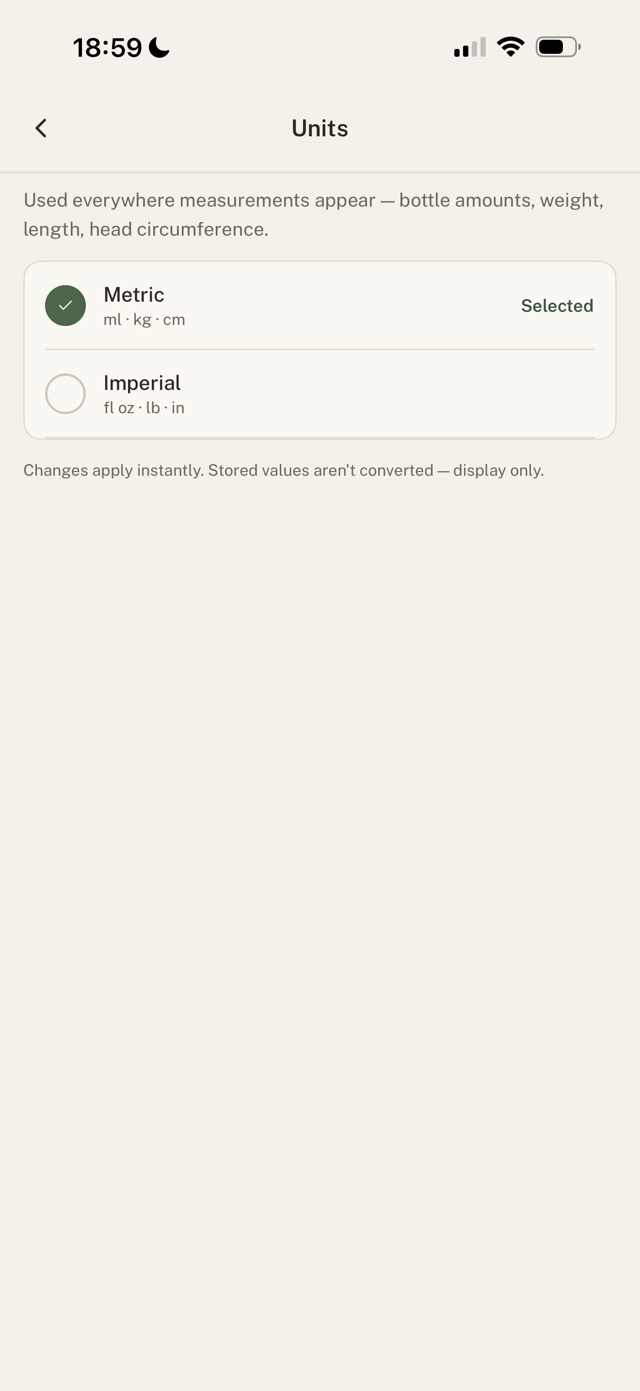
Choose the units used everywhere measurements appear: bottle amounts, weight, length, and head circumference.
Change your units
- Go to Settings > Units.
- Pick Metric (ml, kg, cm) or Imperial (fl oz, lb, in).
Changes apply instantly across the app.
Good to know
Existing values are not converted, they're relabelled, so pick your units early. Anything you already logged keeps its original numbers.
Still have a question?
We're a small team and we read everything. Email us and we'll get back to you.